Because understanding
beats output
Turn scattered AI output into shared understanding — structured, searchable, and easy to act on.
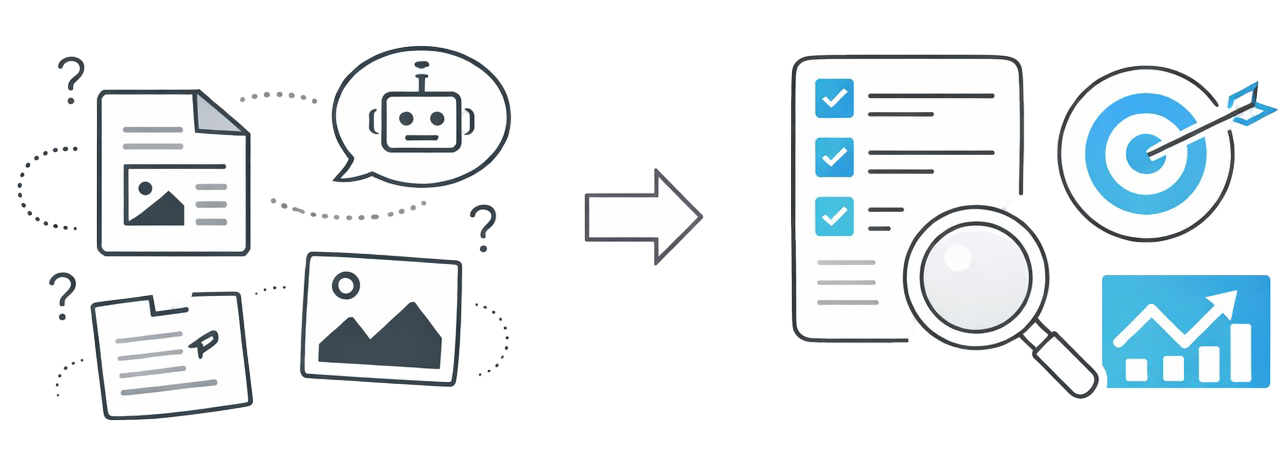
Why insAIght Hub?
Stop losing valuable AI insights in scattered chat logs. Capture, organize, and share knowledge that matters.
Capture Insights
Save valuable AI-generated insights with context, tags, and metadata. Never lose an important discovery again.
Search & Discover
Powerful search across all your insights. Find exactly what you need with tags, full-text search, and filters.
Share Knowledge
Publish insights to your team. Build a shared knowledge base that grows smarter with every contribution.
From Raw Docs to Polished Insights
Watch how insAIght Hub transforms dense technical documentation into beautiful, navigable pages.
# Digest Hub - Product Requirements Document

## Document Info
- **Version:** 1.0
- **Created:** 2024-12-29
- **Status:** Ready for Implementation

---

## 1. Overview

### 1.1 Problem Statement
AI responses in terminals/chat interfaces are difficult to
digest. There is no persistent storage for valuable AI-generated
content, and team members can't easily share or reference AI
outputs. Creating styled HTML outputs is manual and disconnected
from workflow.

### 1.2 Solution
Digest Hub is a web application that transforms dense AI/LLM
outputs into beautiful, audience-tailored web pages that can
be shared across a development team.

### 1.3 Core Concepts
- **Digest:** A collection of one or more HTML files...
- **DigestFile:** An individual HTML file within a Digest
- **Audience:** The target reader type (developer, stakeholder,
  end_user) that influences how content is presented

---

## 2. Technology Stack

| Component | Technology | Version |
|-----------|------------|---------|
| Language | Ruby | 3.4.5 |
| Framework | Ruby on Rails | 8.1.1 |
| Database | SQLite | Latest |
| CSS Framework | Tailwind CSS | Latest |
| UI Components | DaisyUI | Latest |

## 3. Data Models

### 3.1 User
```ruby
class User < ApplicationRecord
  has_secure_password
  has_many :sessions, dependent: :destroy
  has_many :digests, dependent: :destroy

  # Fields:
  # - id: integer (PK)
  # - email_address: string (unique, indexed)
  # - password_digest: string
  # - name: string
  # - api_token: string (unique, indexed)
  # - admin: boolean (default: false)
end
```

## 5. Features & Requirements

### 5.1 User Management (Admin)

#### 5.1.1 List Users
- Display all users in a table
- Show: name, email, admin status, created date
- Pagination

#### 5.1.2 Create User
- Admin can create a user with: email, name, password
- Generates API token automatically

...
(1,380 lines total)
Left: Your markdown source file with toggle to preview. Right: The polished insAIght page your team will see.
{
  "mcpServers": {
    "insaight-hub": {
      "url": "https://your-hub.com/{org-id}/mcp"
    }
  }
}
OAuth 2.1 — sign in via your browser. No API tokens to manage.
Works with your AI tools
Seamlessly integrate with Claude, Cursor, and other MCP-compatible AI assistants. Your AI can read from and write to your knowledge base directly.
- OAuth 2.1 — just add the URL, sign in via browser
- Save insights directly from AI conversations
- Let AI search your knowledge base for context
- Works with Claude Code, Cursor, and more
Ready to transform your AI insights?
Join the waitlist to be first in line when we launch.
Join the Waitlist